Documentation Index

Fetch the complete documentation index at: https://docs.trepa.io/llms.txt

Use this file to discover all available pages before exploring further.

Your bot needs two secrets from the Trepa app. This page covers the first: an API key. The next page covers the wallet key your program uses to sign on Solana. An API key tells Trepa which user your automation represents. The SDK keeps that login fresh while the bot runs. You can keep up to 5 active keys at a time. Each key starts with trp_ and is shown in full only once, when you create it.

Create a key

Open Settings → API keys in the Trepa app.
1

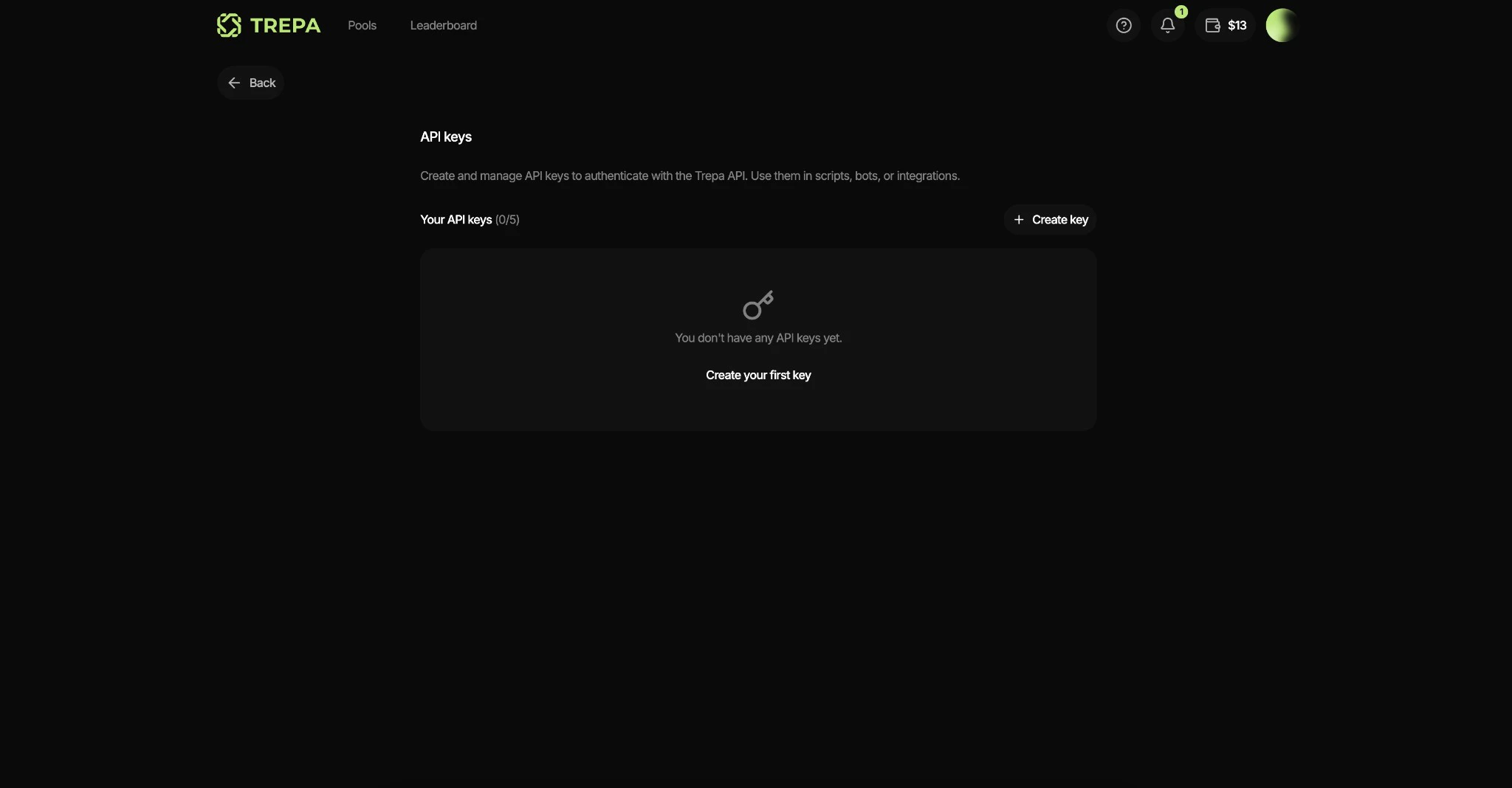
Open the API keys page

Click + Create key or Create your first key.API keys page
2

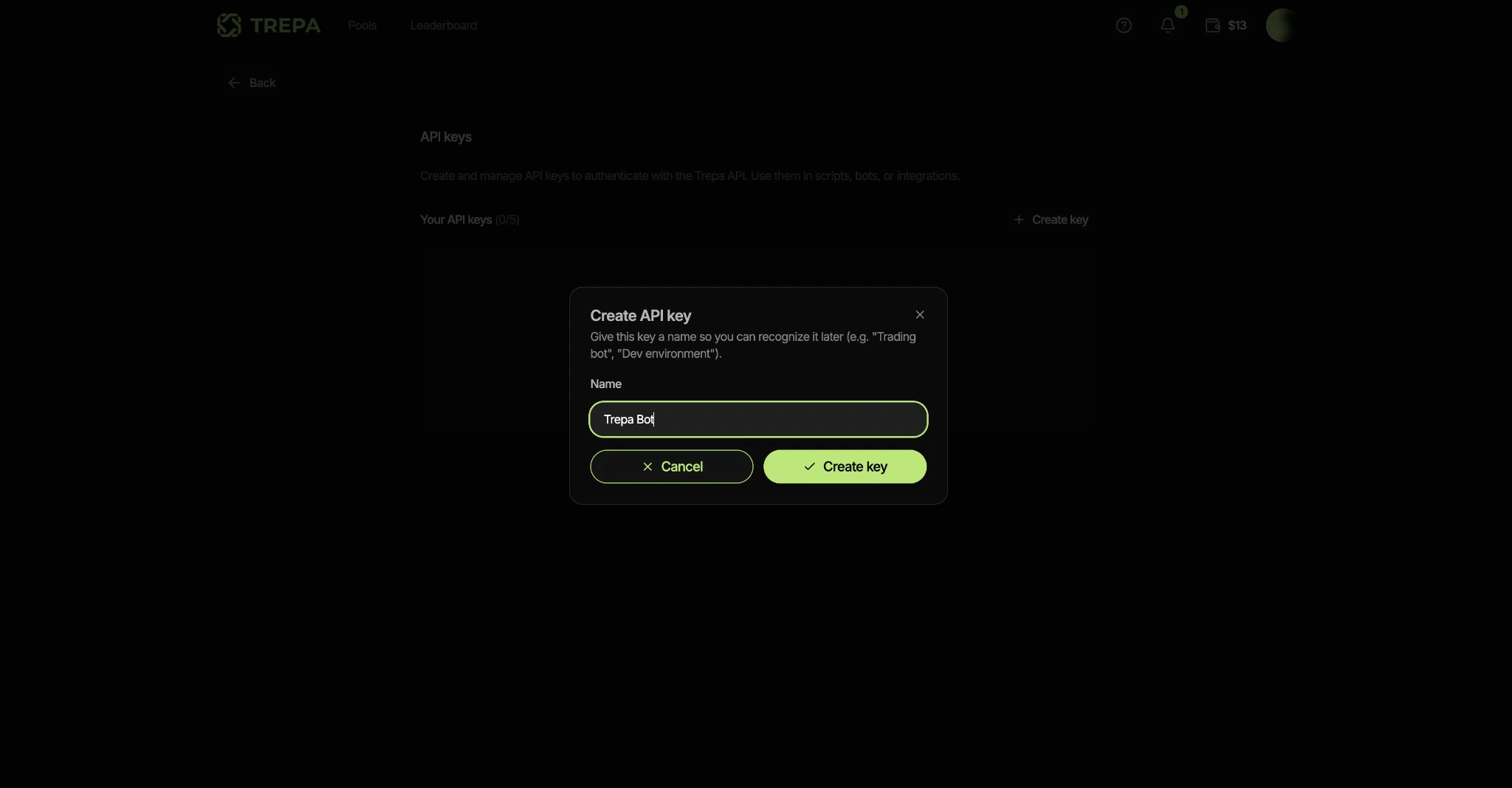
Name the key

Pick a label you will recognise later (for example Trepa bot).Create API key dialog
3

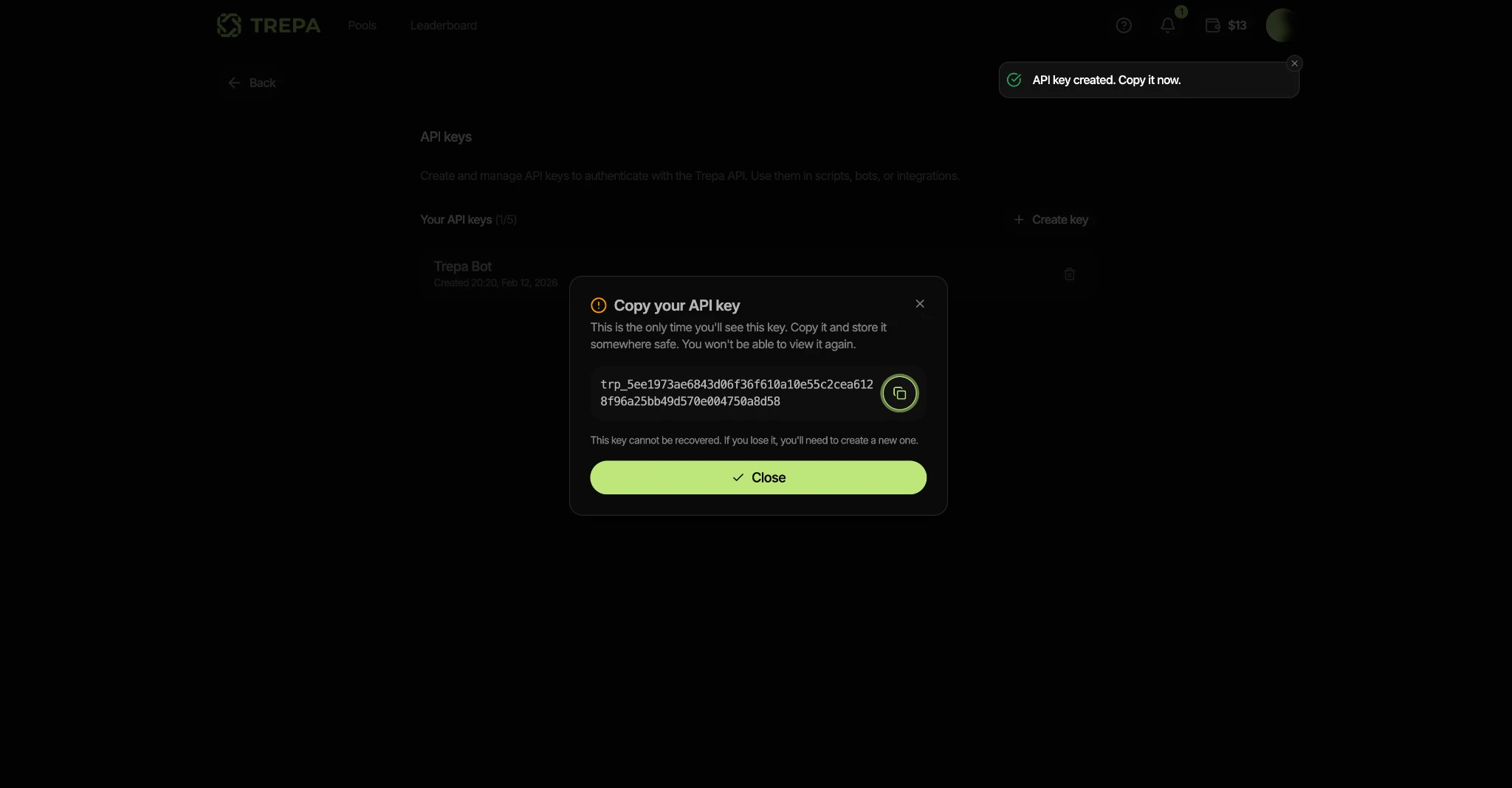
Copy the key

Copy the value and store it somewhere safe. You will paste it into a .env file in the Quickstart.Copy your API key
Use a separate key per bot when you run several automations. Revoking one key does not affect the others. Deleting a key immediately invalidates any session that was started with it.
Next: Wallet private key.
Last modified on May 4, 2026