Documentation Index

Fetch the complete documentation index at: https://docs.trepa.io/llms.txt

Use this file to discover all available pages before exploring further.

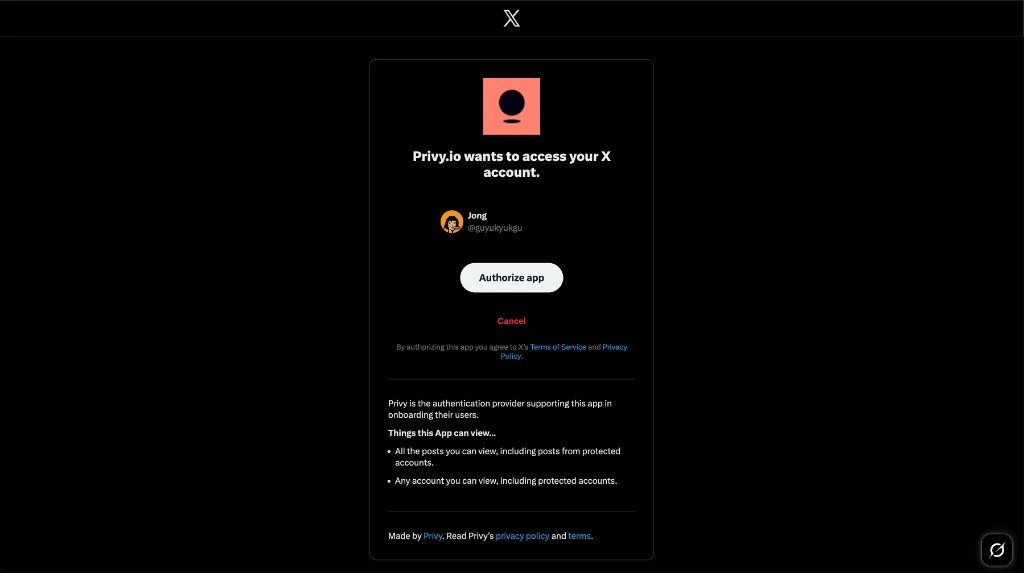
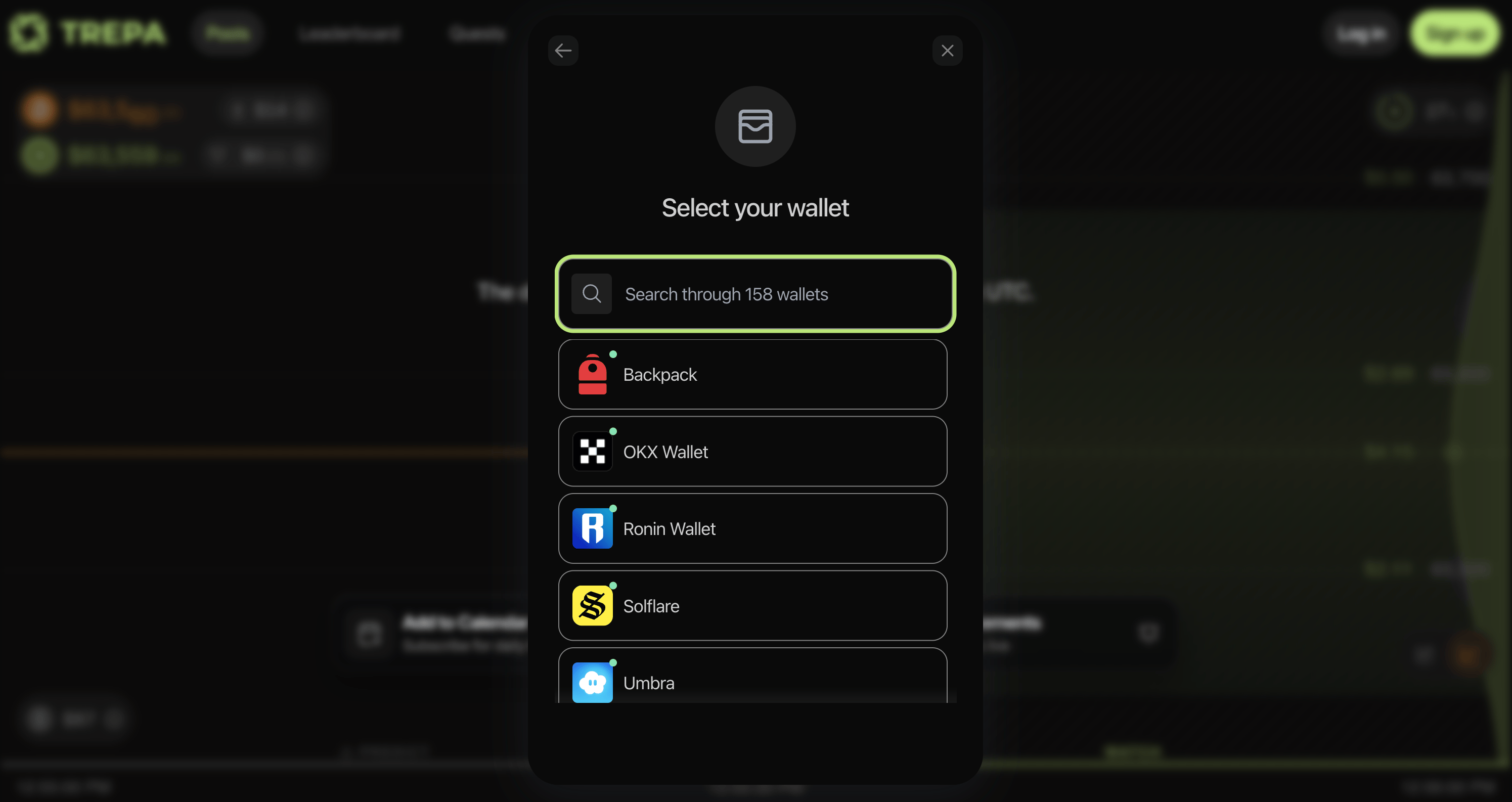
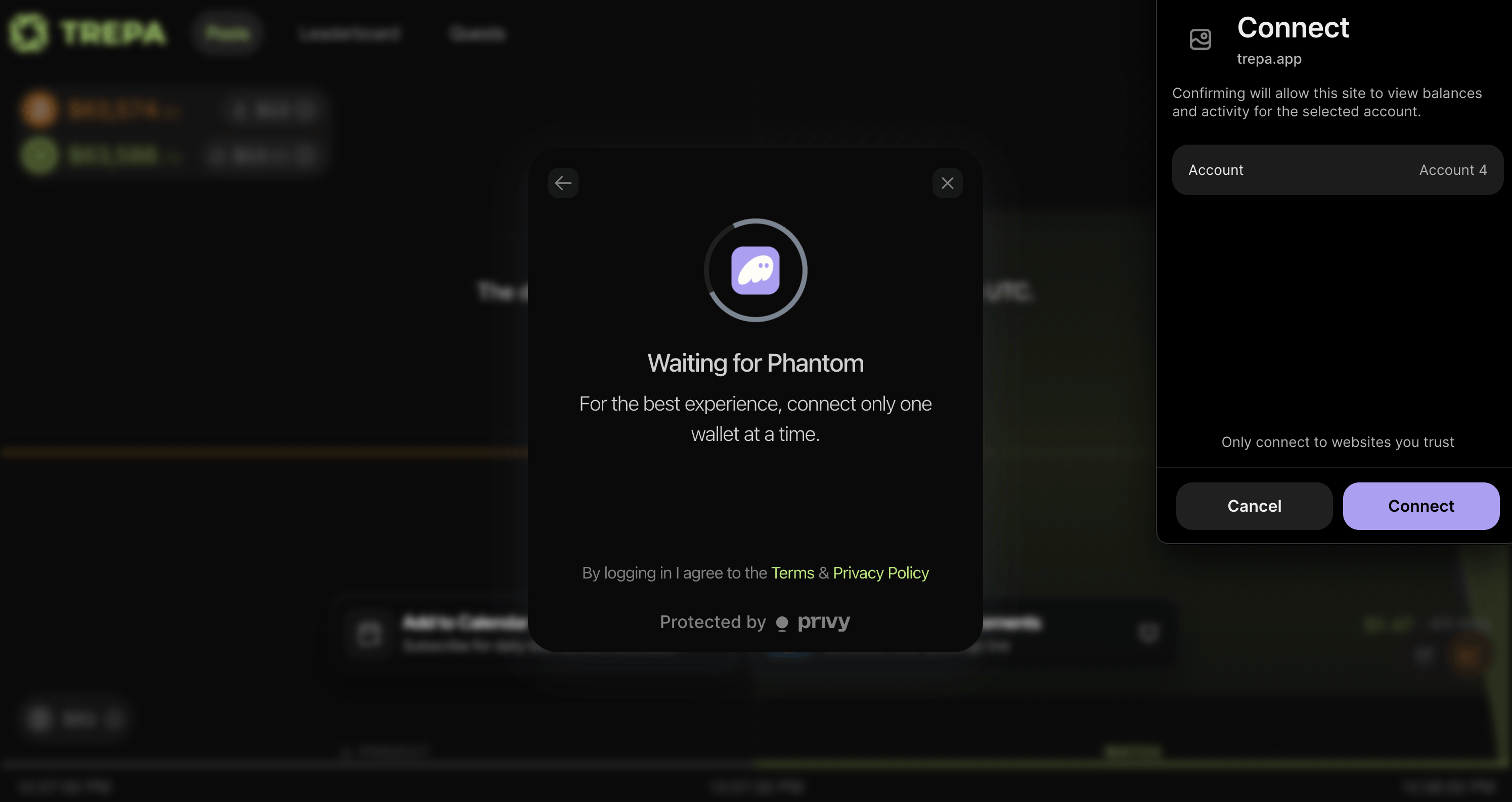
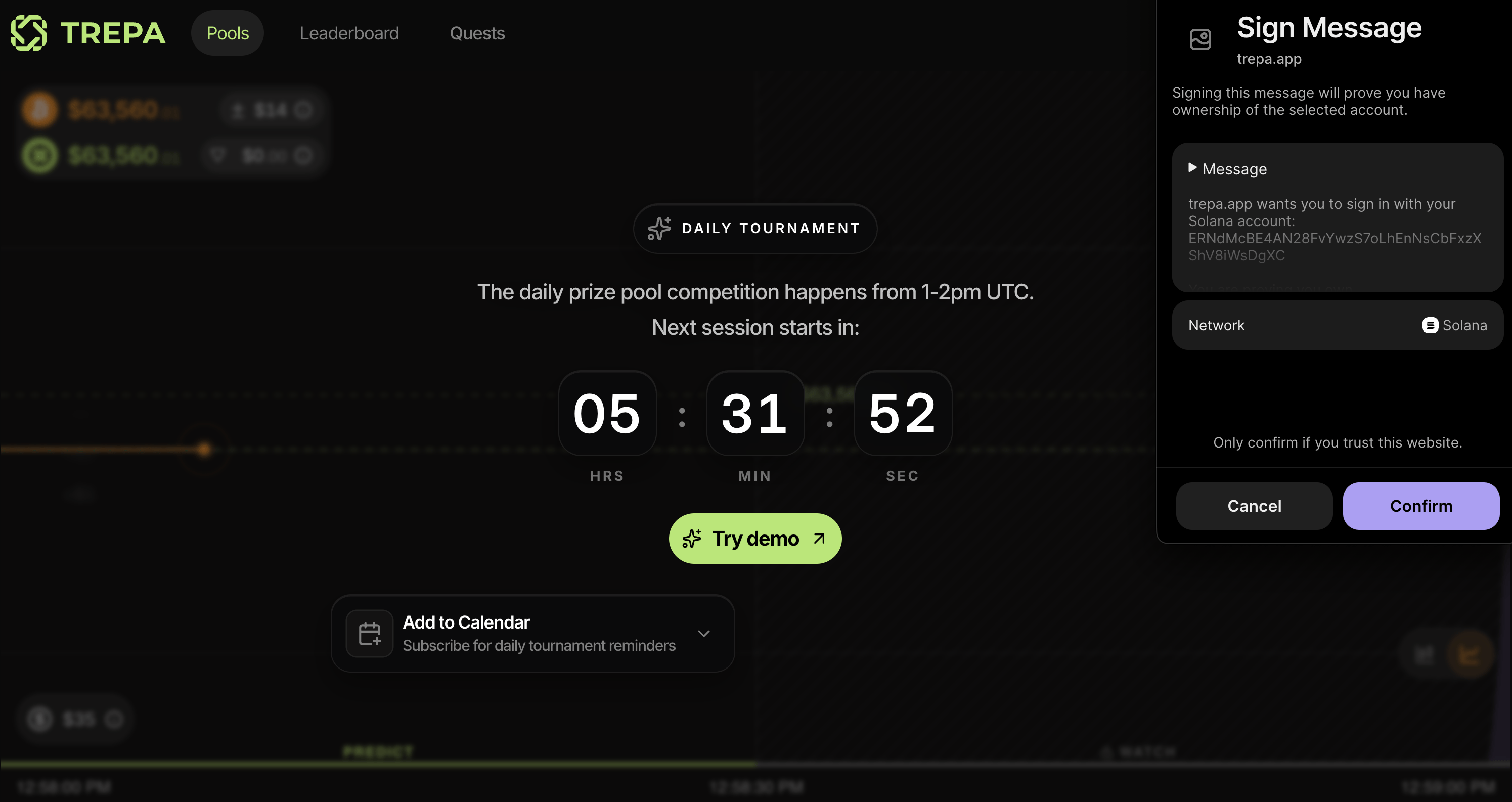
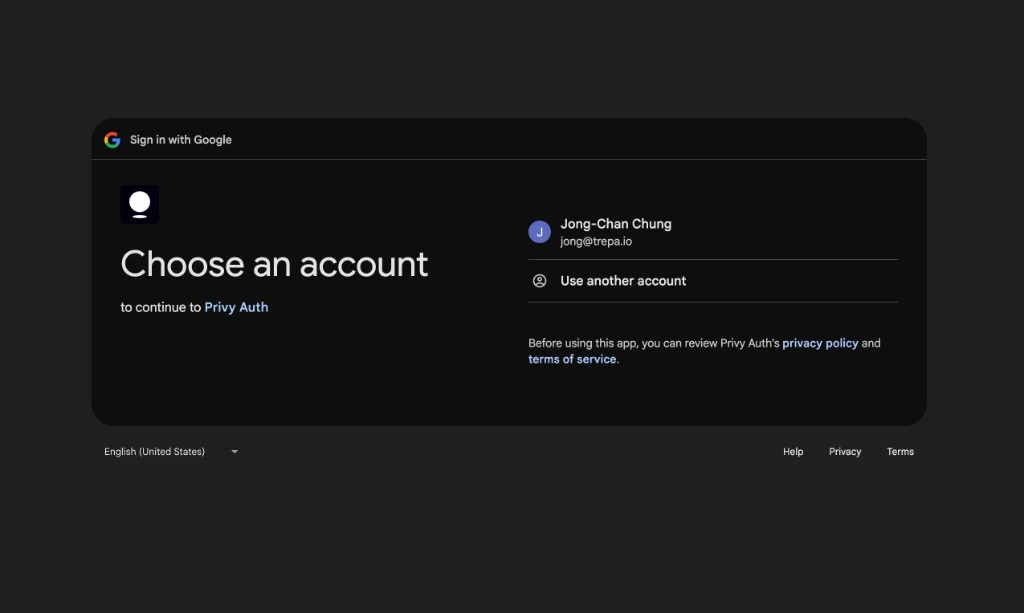
To play Flash Pools on Trepa, you need an account. You can sign up with email, Google or X (Twitter), or a Solana wallet. All methods are secured by Privy.
All authentication is protected by Privy. Your credentials and wallet connections are handled securely.
1

Open the auth modal

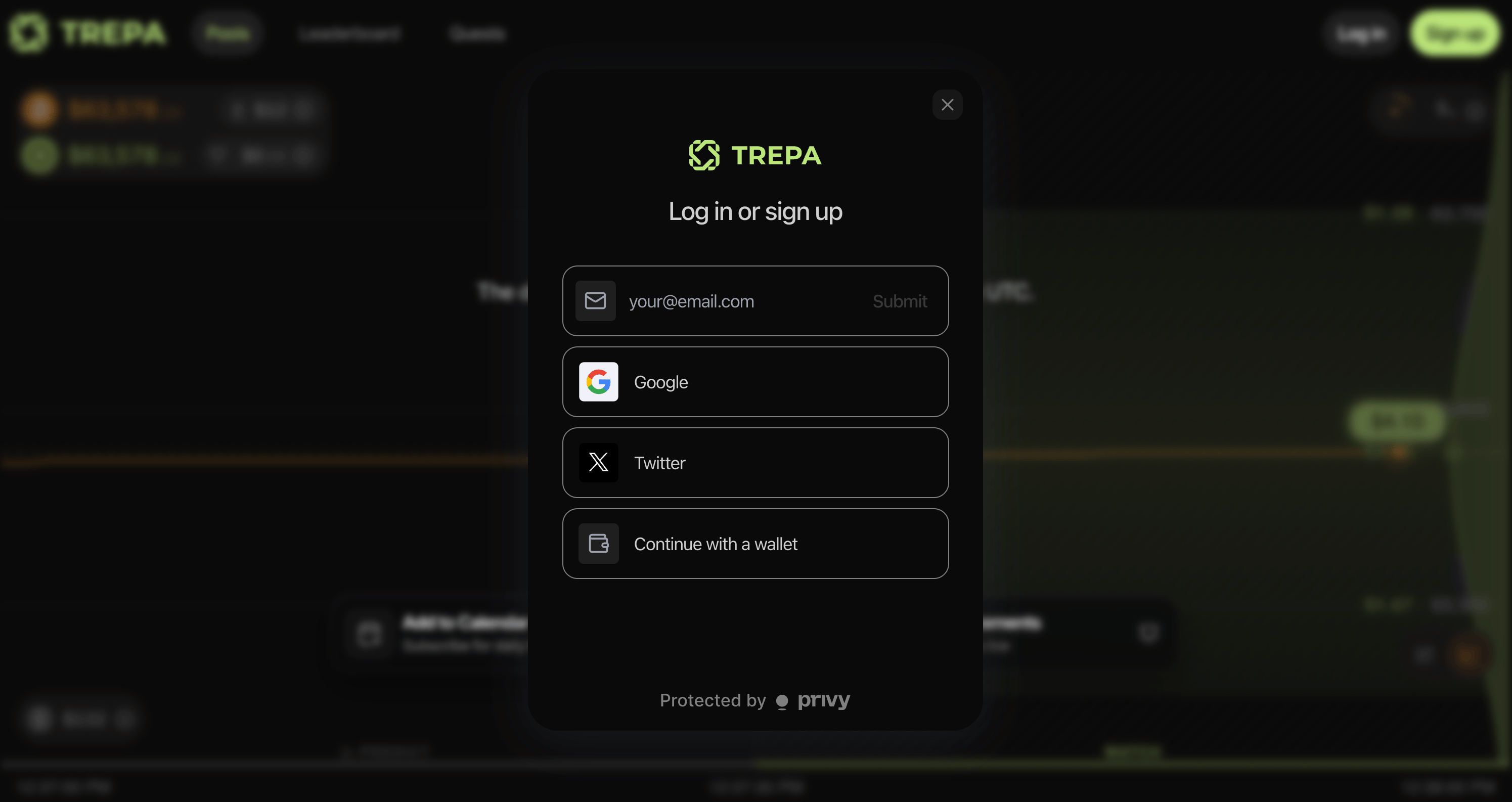
On trepa.app, click Sign up or Log in (top right).Trepa Log in or sign up modal with email, Google, X, and Continue with a wallet.
2

Enter your email

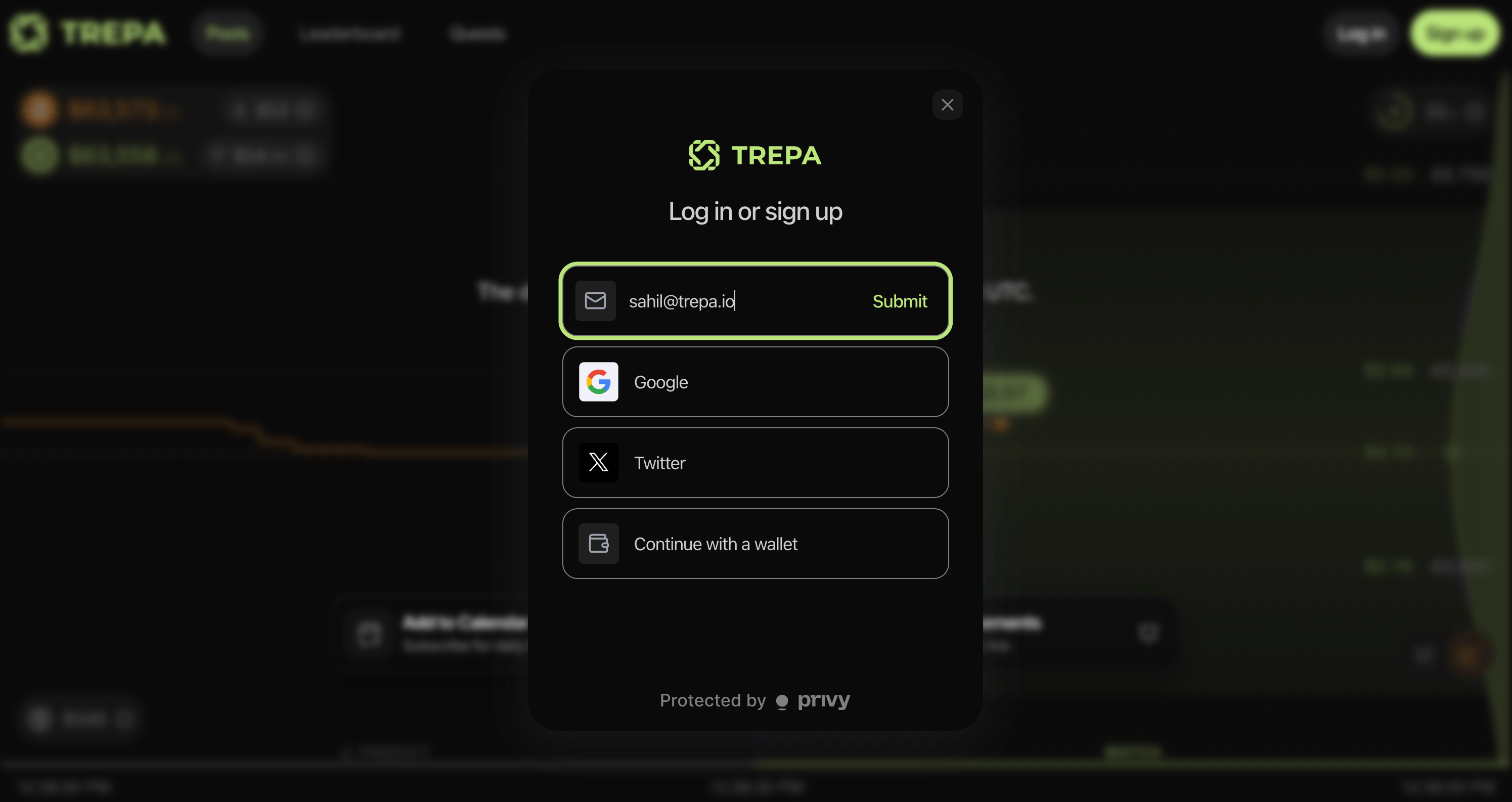
Enter your email in the modal, then click Submit. You can use Recent to pick a previously used address when it appears.Trepa auth modal: email field with Submit, plus Google, X, and wallet options.
3

Enter the code

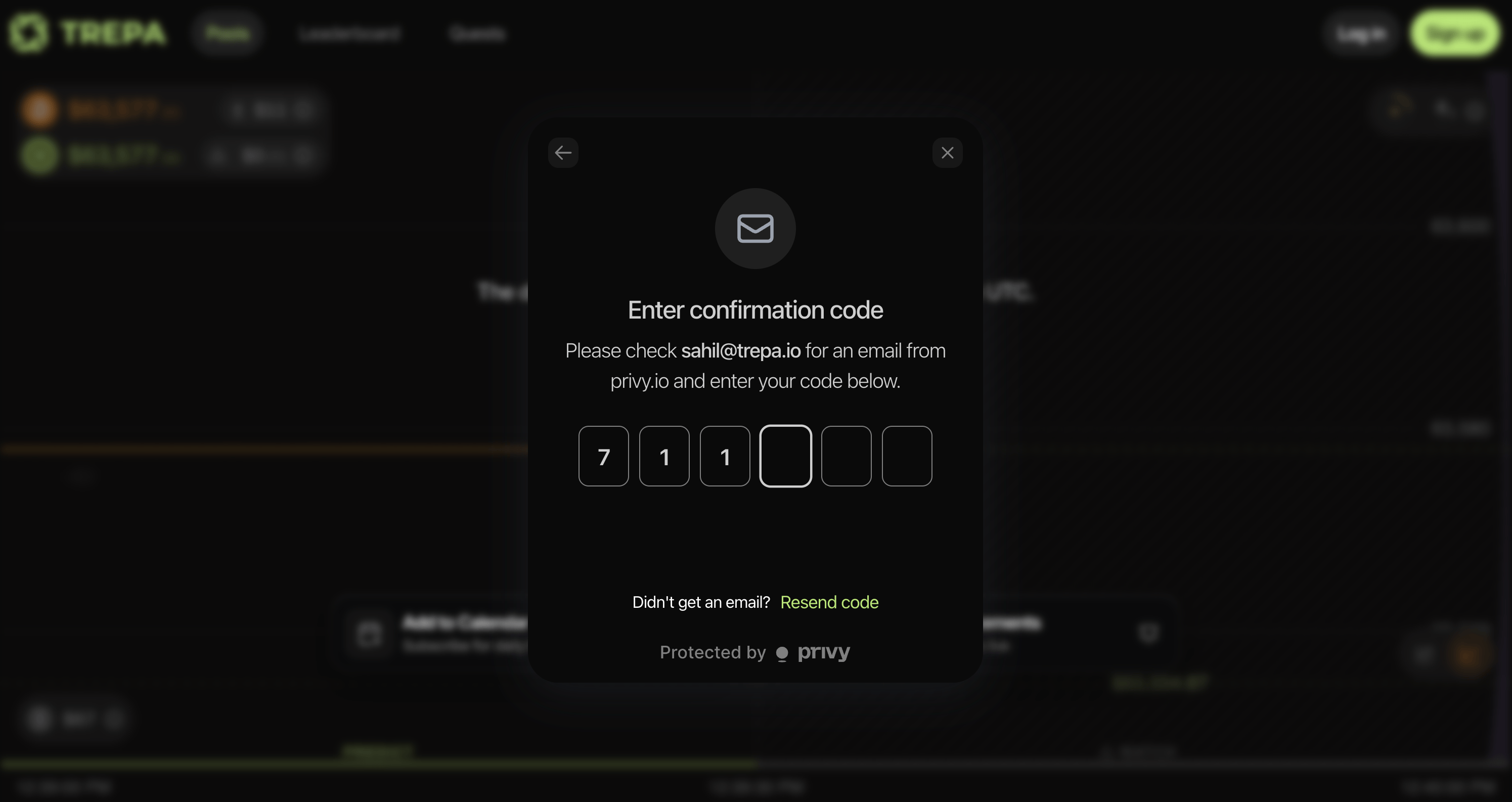
Check your inbox for a 6-digit code from privy.io. Enter it in the verification modal. Use Resend code if you don’t see it.Enter confirmation code: six digit inputs, email hint from privy.io, and Resend code link.
4

You're in

After verification, you’re logged in and can start playing.
Check spam if the code doesn’t arrive. The sender is privy.io.
Last modified on May 4, 2026