Documentation Index

Fetch the complete documentation index at: https://docs.trepa.io/llms.txt

Use this file to discover all available pages before exploring further.

You can withdraw USDC from your Trepa wallet to any external Solana address (another wallet or an exchange that supports Solana USDC).

How to withdraw

1

Open Withdraw

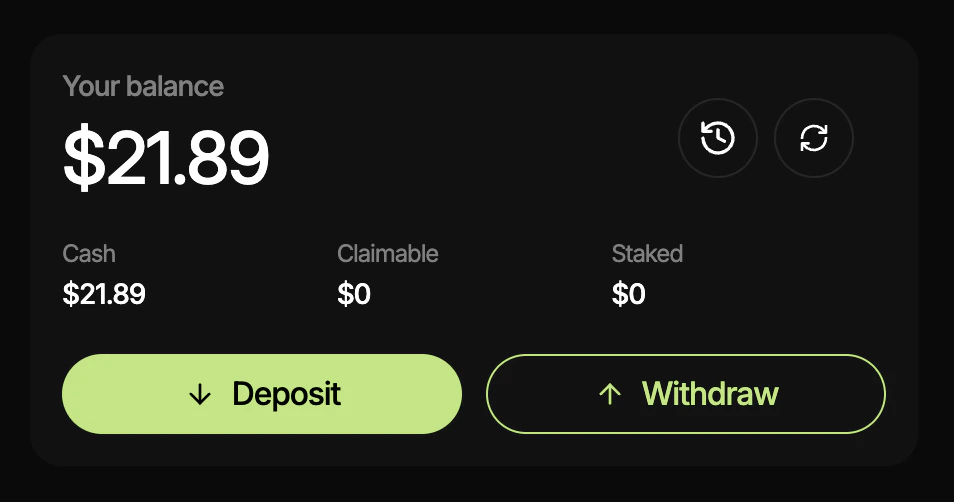
Go to trepa.app, open Trepa wallet (or Portfolio), then tap Withdraw.Your balance card with Deposit and Withdraw; tap Withdraw.
2

Enter destination and amount

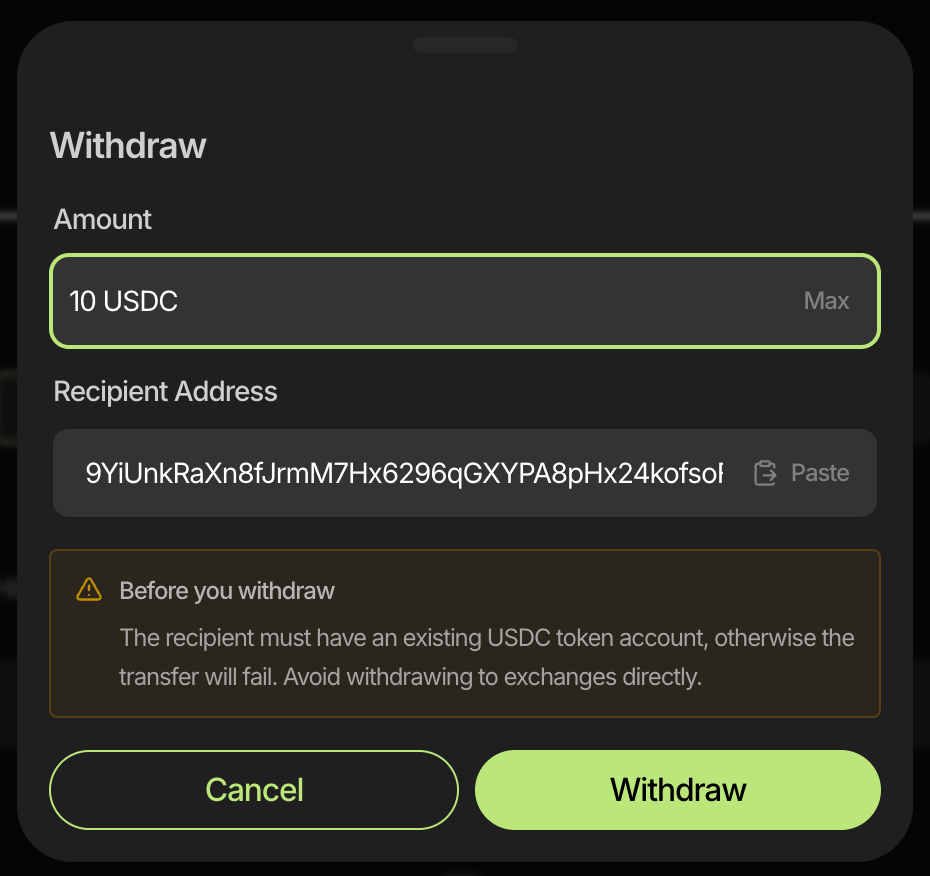
On the Withdraw screen, enter the amount and Solana recipient address. The recipient must already have a USDC token account on Solana; transfers to addresses without one will fail. Double-check everything, then tap Withdraw. The transfer is sent on Solana immediately (there is no separate confirmation step).Withdraw: Amount and Recipient Address fields, USDC token account note, Cancel and Withdraw.
Blockchain transactions are irreversible. If you send to the wrong address or the wrong network, the funds cannot be recovered. Always verify the destination address and network (Solana) before you tap Withdraw.

Fees

You don’t need SOL in your Trepa wallet to withdraw. Trepa covers the Solana network fee for withdrawals.
Last modified on May 4, 2026