


Get started in three steps
After signing up and adding funds, you’re all set to make your first prediction on Trepa.Step 1: Choose a pool
Explore the Trending Pools on the homepage. You can sort by recency or volume, or use the search bar to find a pool by typing a keyword that interests you. For a quick prediction, click the Predict button.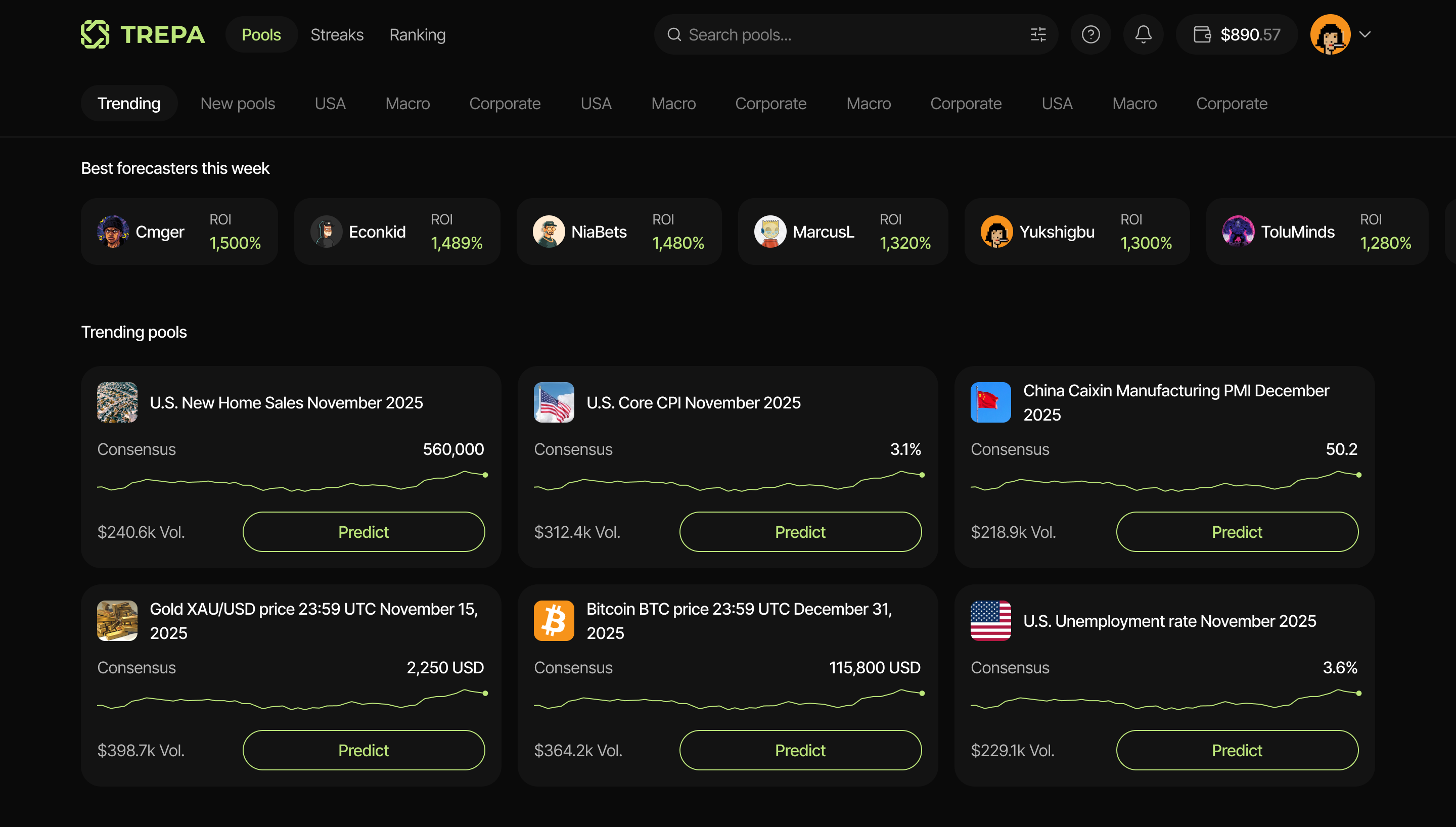
Step 2: Enter your prediction
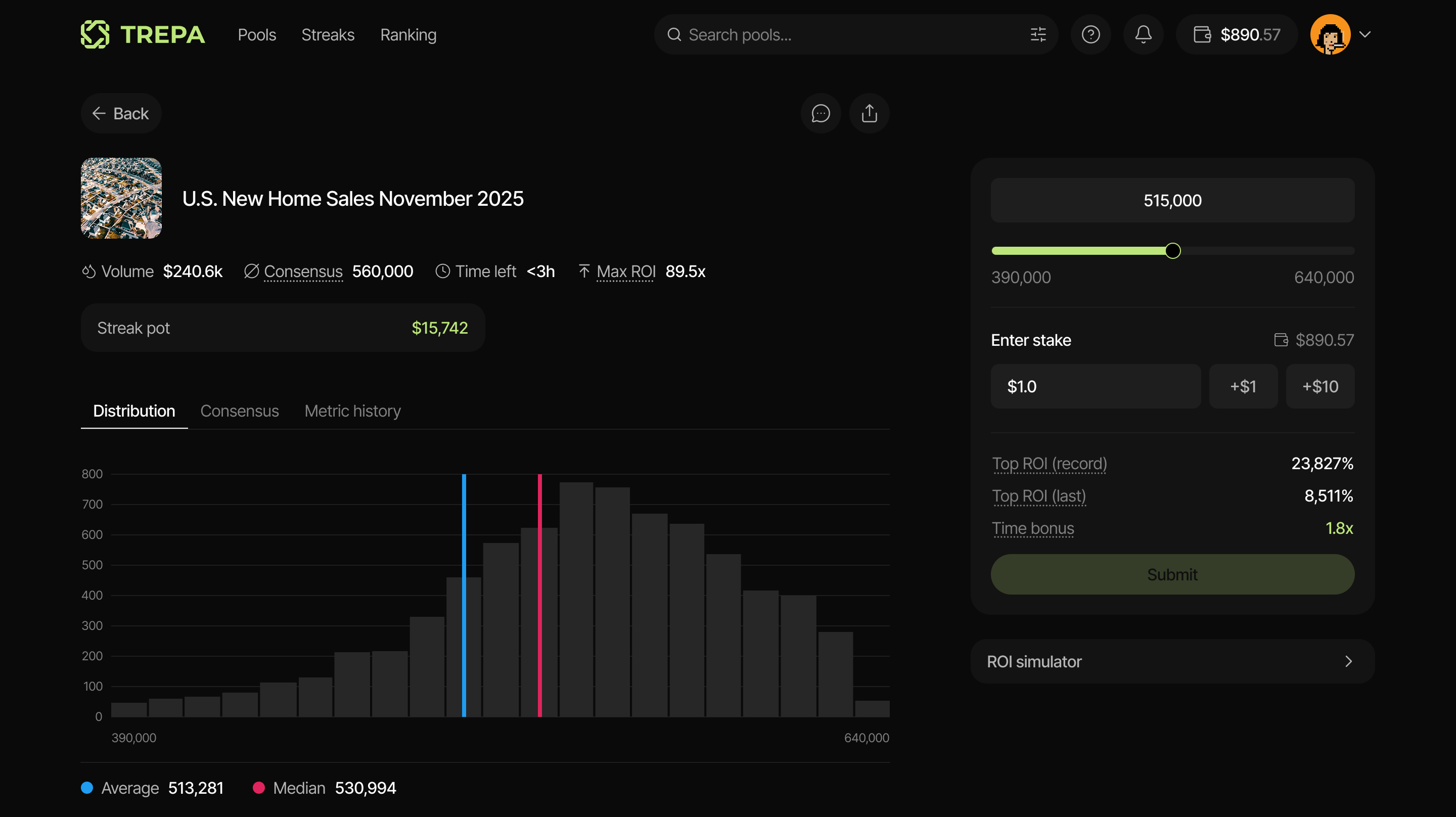
Once you’ve selected a pool, it’s time to test your prediction skills. Enter your prediction using the slider or input field.
Step 3: Enter your stake
Staking a larger amount gives you a bigger share of the reward pool. You’ll also see these helpful metrics.- Top ROI (Record): All-time highest ROI across previous rounds.
- Top ROI (Last): Highest ROI from the most recent round.
- Time Bonus: Early predictions get a higher time bonus. This multiplier is applied to your stake amount.
Congratulations! You’ve just made your first prediction on Trepa.