


Step 1: Find the pool
Open your Portfolio to find the pool where you’ve placed your entry. You can also locate it from the homepage or by searching its name.
Step 2: Change your prediction or stake amount
After finding your pool, click Update to open its detail page. From there, you can adjust your prediction using the slider or input field. If you’d like to change your stake amount, you can do that, too, but remember, you can only increase your stake, not lower or withdraw it.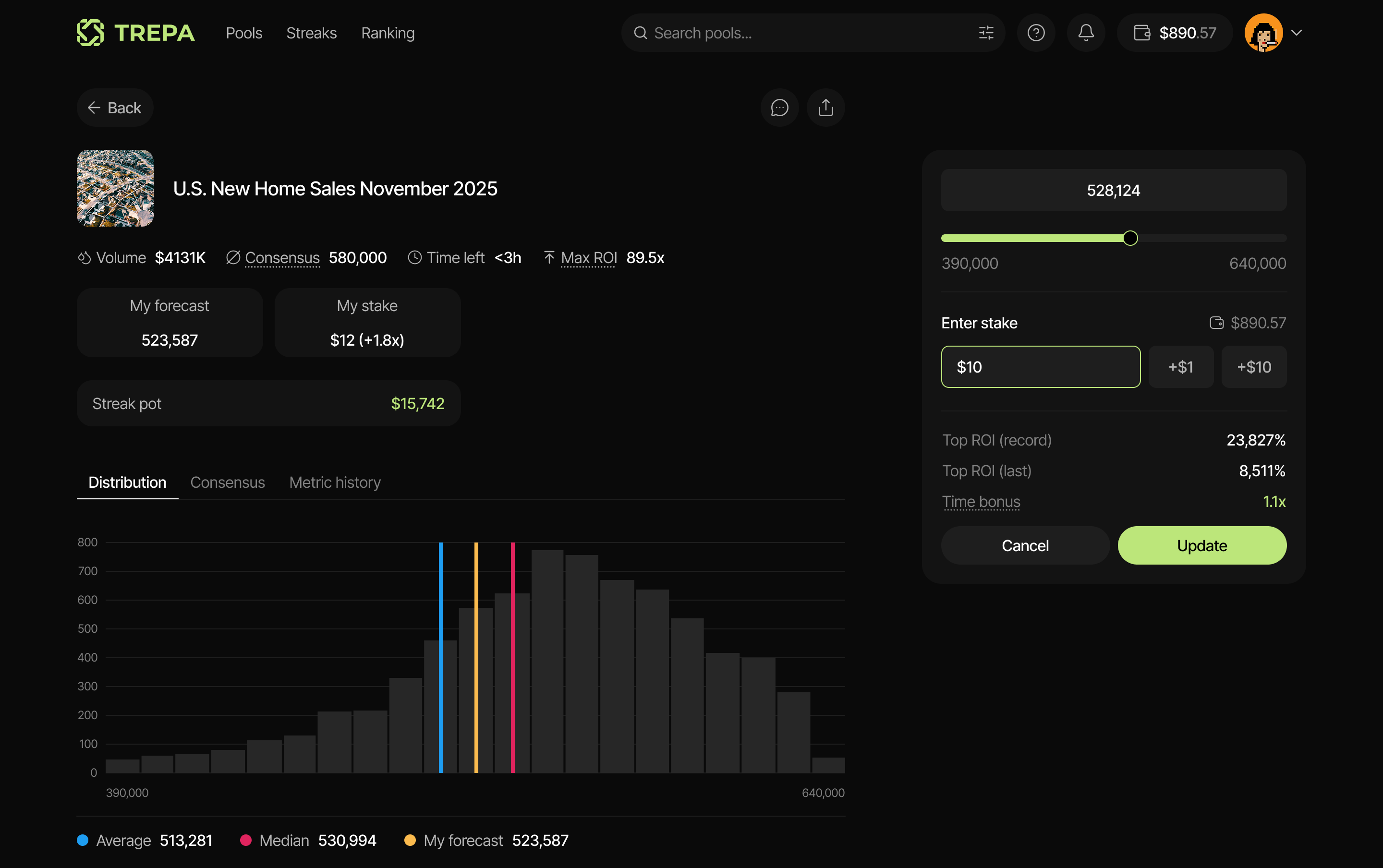
Step 3: Confirm the update
After adjusting your prediction or stake, review the changes and click Update to confirm.Your new entry will replace the previous one.