
About withdrawing your funds

You can withdraw your funds from your Trepa wallet to any external wallet address on the Solana network.

How to withdraw your funds

Follow these steps to send your funds from your Trepa wallet to an external address.
1
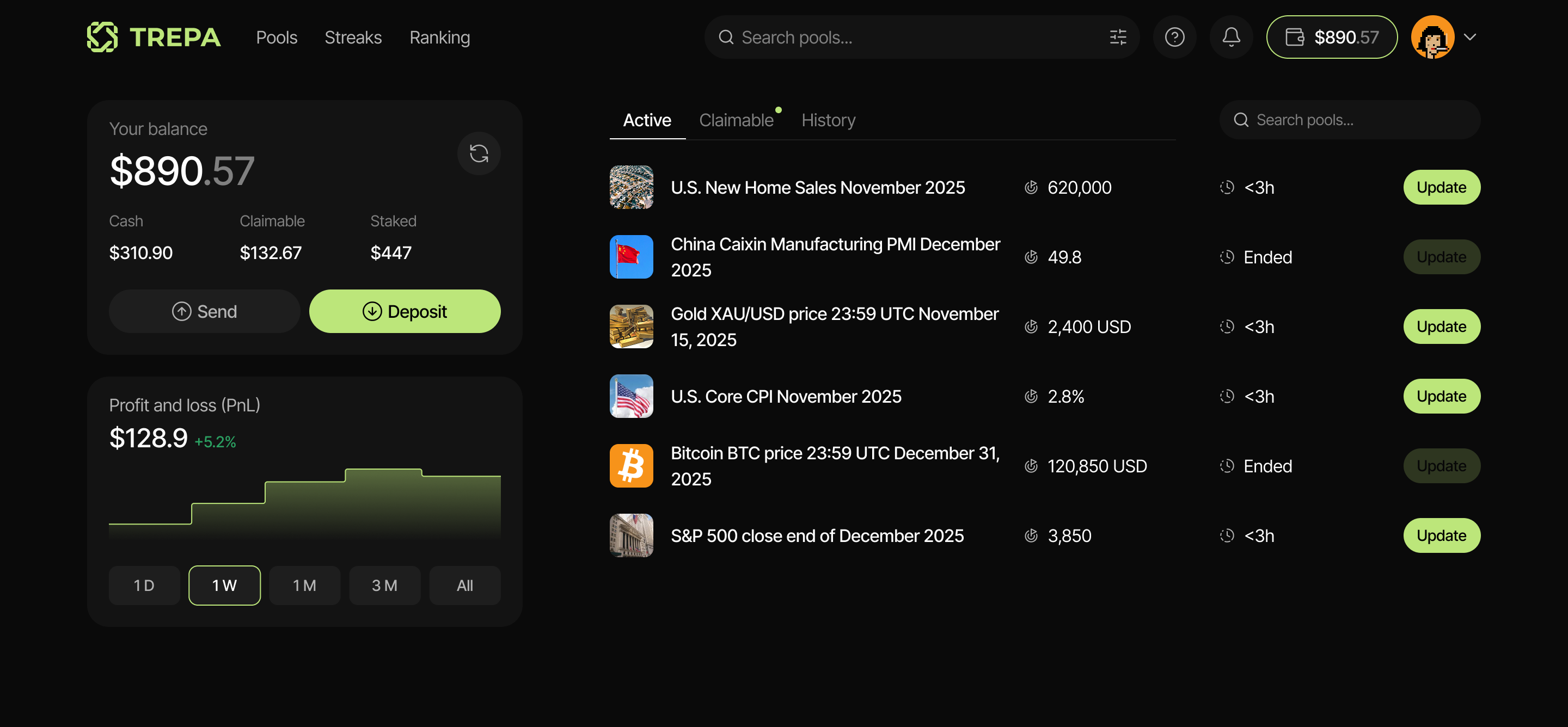
Go to your portfolio by clicking on Trepa wallet, then click Send/Withdraw. Your Portfolio
2
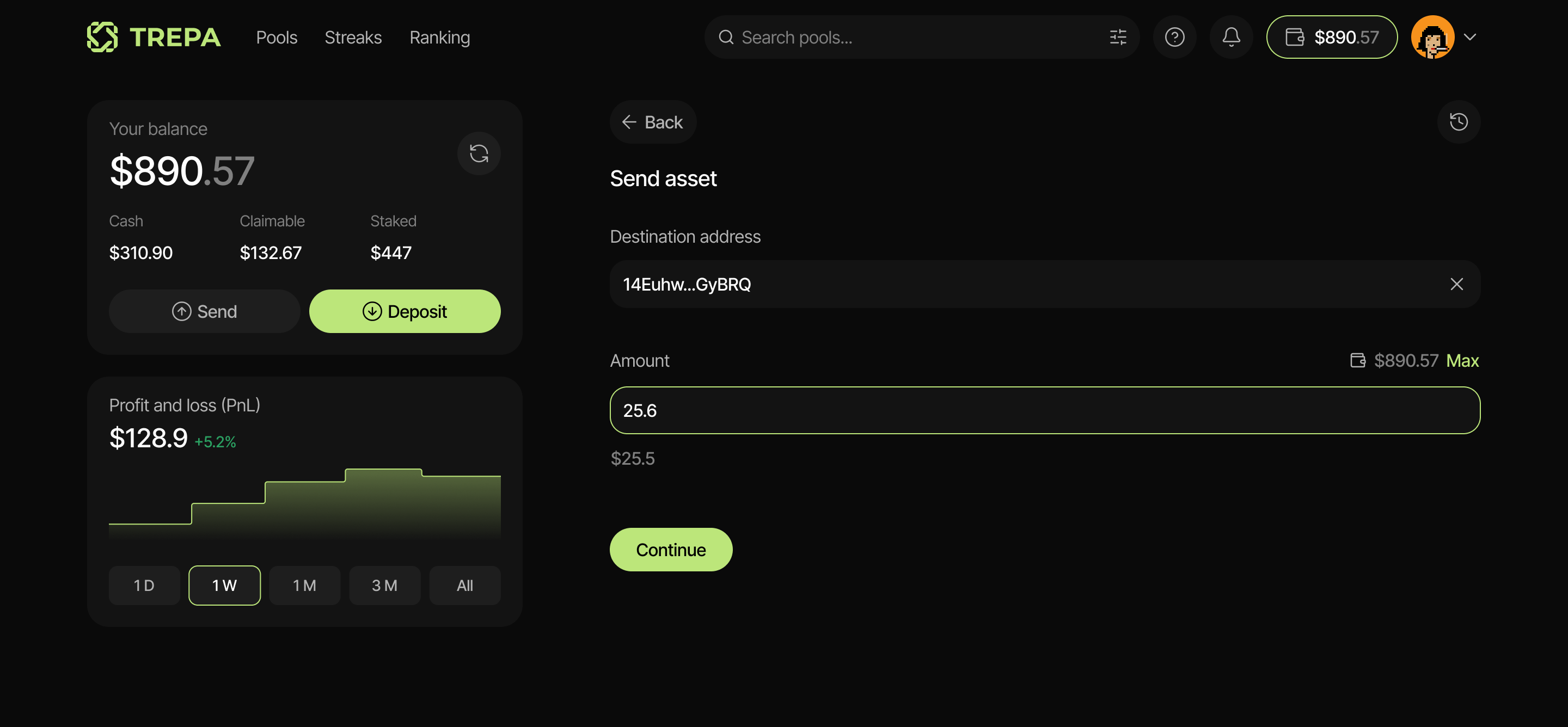
Enter the Destination/Recipient address (Solana) where you want to send your funds. Enter destination address and amount
Always double-check the destination address before confirming. Transactions on the blockchain are irreversible. If you send funds to the wrong address or the wrong network, they cannot be recovered.
3
Enter the desired withdrawal amount. Then click Continue/Withdraw. Done!

Transaction fees

You don’t need to have $SOL in your wallet. When withdrawing your funds, a small network fee is typically required to process the transaction on the Solana network. However, Trepa covers all transaction fees for you. We got you.